01. Python Environment Setup
Download slides (PDF) Get the Video Course
Before you can write a single line of Python, you need three things ready: Python itself, a good editor to write it in, and a clean way to manage each project's packages. This section gets them all set up on your computer, one step at a time, for macOS, Windows, or Linux. By the end you will have a clean, working setup that every later section builds on, so you never have to stop and fix your tools again.
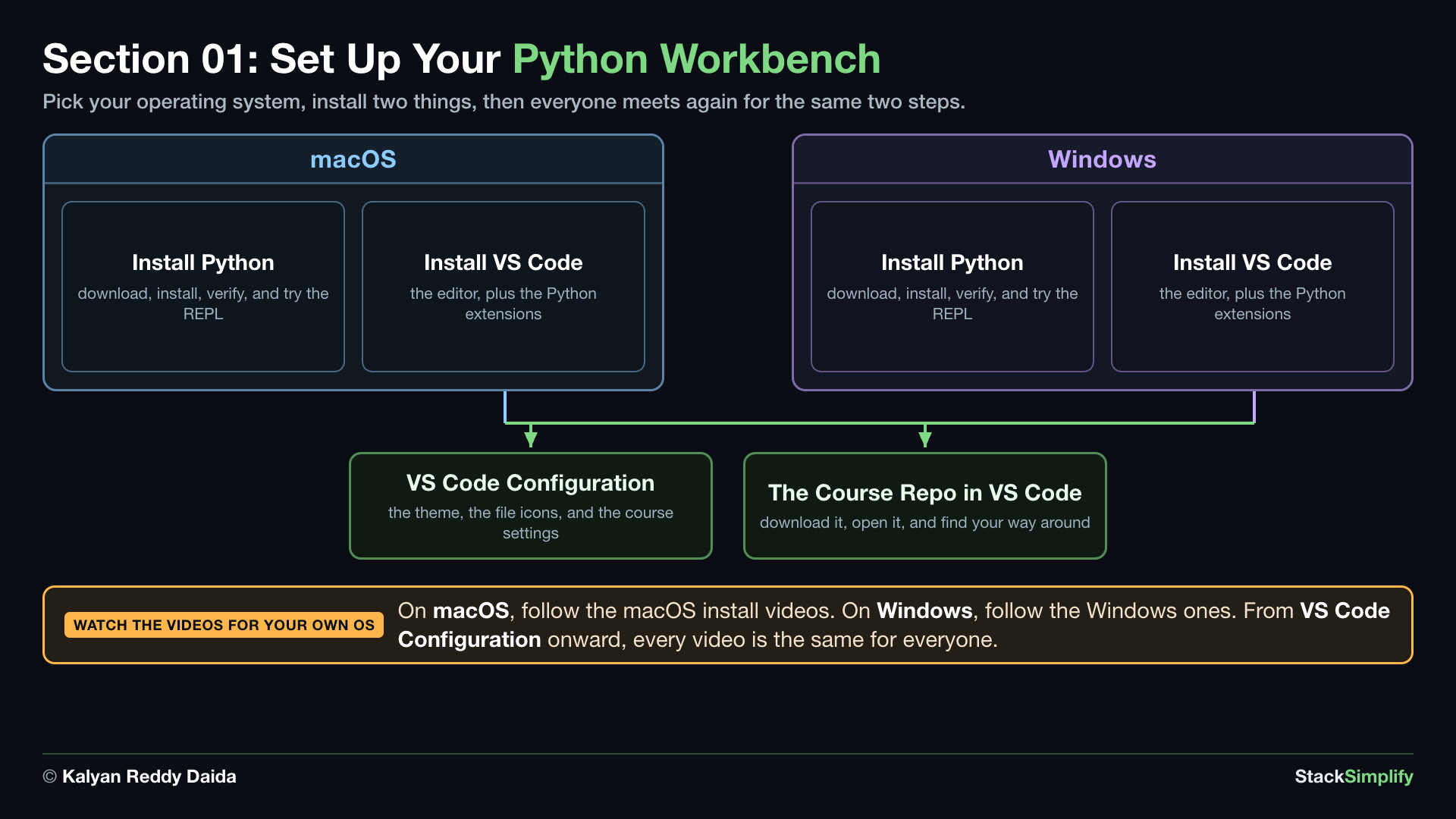
What You Will Learn in This Section
In this setup section you will:
- Install Python on your operating system (macOS, Windows, or Linux).
- Verify the install and test Python in its interactive shell (the REPL).
- Install Visual Studio Code (VS Code), the editor we use throughout the course.
- Add the VS Code extensions you need for Python, plus a theme, file icons, and Ruff.
- Apply a few VS Code settings that make learning smoother.
- Download the course repo from GitHub and open it in VS Code, ready for every section.
Lessons in This Section
Work through these three lessons in order.
| S.No | Lesson | What you will do |
|---|---|---|
| 1 | Python Install | Download, install, verify, and test Python on macOS, Windows, or Linux. |
| 2 | Visual Studio Code Install and Setup | Install VS Code, add the Python extensions, turn on the theme and icons, and apply the course settings. |
| 3 | Setup the Course GitHub Repo | Download the course repo from GitHub, unzip it, open it in VS Code, and find your way around the folders. |
When you finish the three lessons, read the Recap and Next Steps to review what you set up and see where you go next.
Prefer to learn by watching?
The full video course teaches every concept on screen and builds the projects with you, step by step.